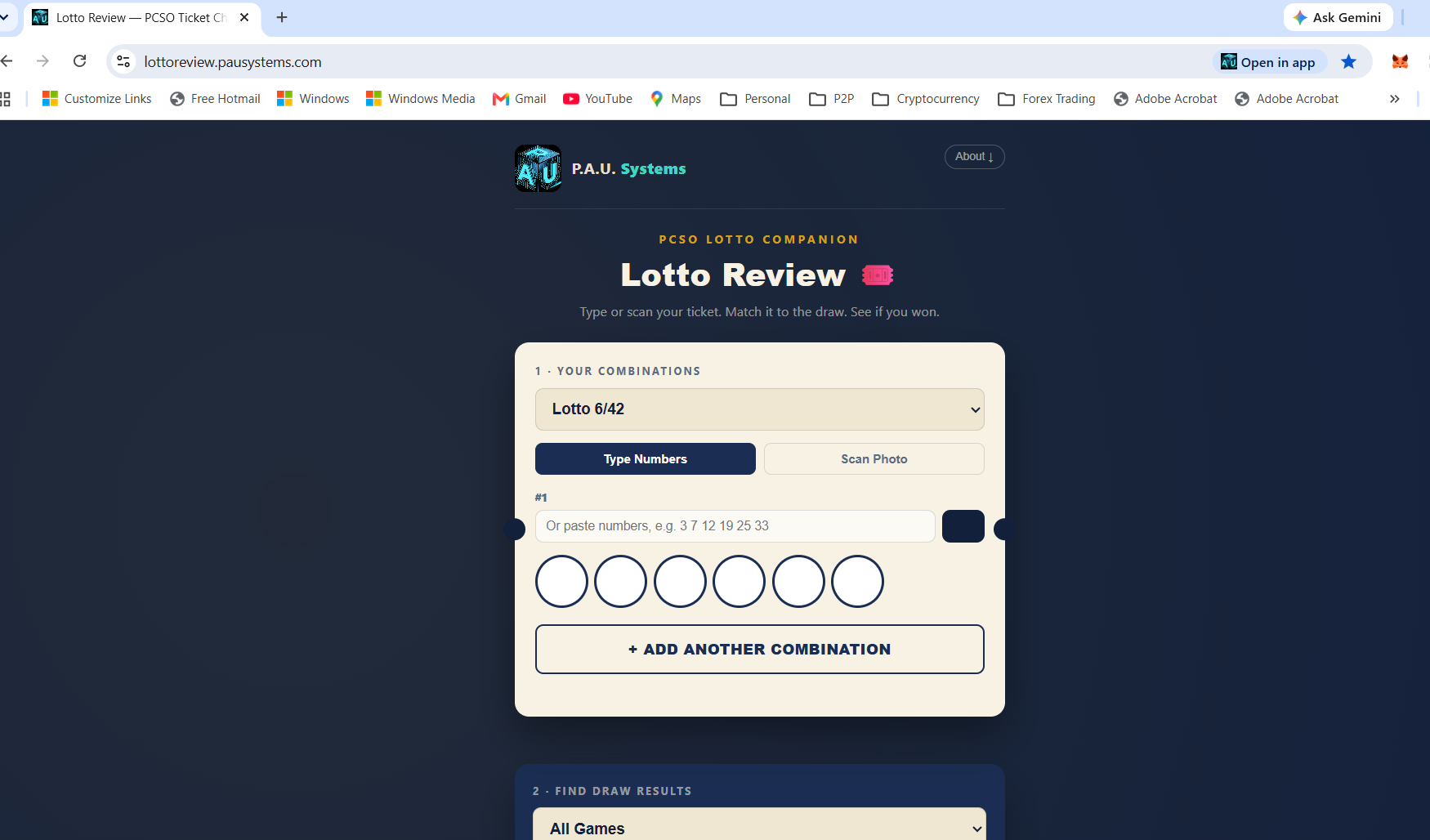
Type your numbers or snap a photo of your ticket. Lotto Review checks them against the official draw the moment results are out — so you know if you won before you've even left the sari-sari store.
Free. No account needed. Installs straight to your home screen.
Built for the exact moment you're holding a ticket and wondering.
Type the numbers, or scan a photo of your ticket — Lotto Review reads it for you. Add as many combinations as you're holding.
Search by game and date range. Results are pulled straight from the official archive, refreshed as PCSO posts them.
Matching numbers light up green. No math, no comparing lists by hand, no missed wins.
Not a random number generator — a real checking tool.
Playing several tickets? Enter them all and check them together in one pass.
Snap a photo of your ticket and let it read the numbers for you.
Missed checking for a week? Search a whole range across every game at once.
See rollover status for upcoming draws, updated automatically when a jackpot hits.
Curious which numbers come up most? Browse historical draw frequency for fun.
Add it to your home screen straight from the browser — no app store, no install size.
A clean, no-clutter interface built for one job: telling you if you won.

Built by Coach Pau
Adrian Paulo Roco — P.A.U. Systems
Lotto Review is built and maintained by Coach Pau — Head of Operations, Quality & Complaints in Philippine fintech lending, and a 20+ year BPO operations veteran, now building practical apps solo under P.A.U. Systems. No formal coding background — just a habit of solving the annoying, everyday problems he actually runs into.
Check it in under a minute. Free, no sign-up, works on any phone.
Check My Ticket →